Booking software
Online Booking for a One-Car Limo Business Without Double-Booking
How a one-car limo operator can take bookings online without double-booking: lead time rules, buffer times, deposits or cash to the chauffeur, confirmations and flight details.
EazyLimo Team 7 min read
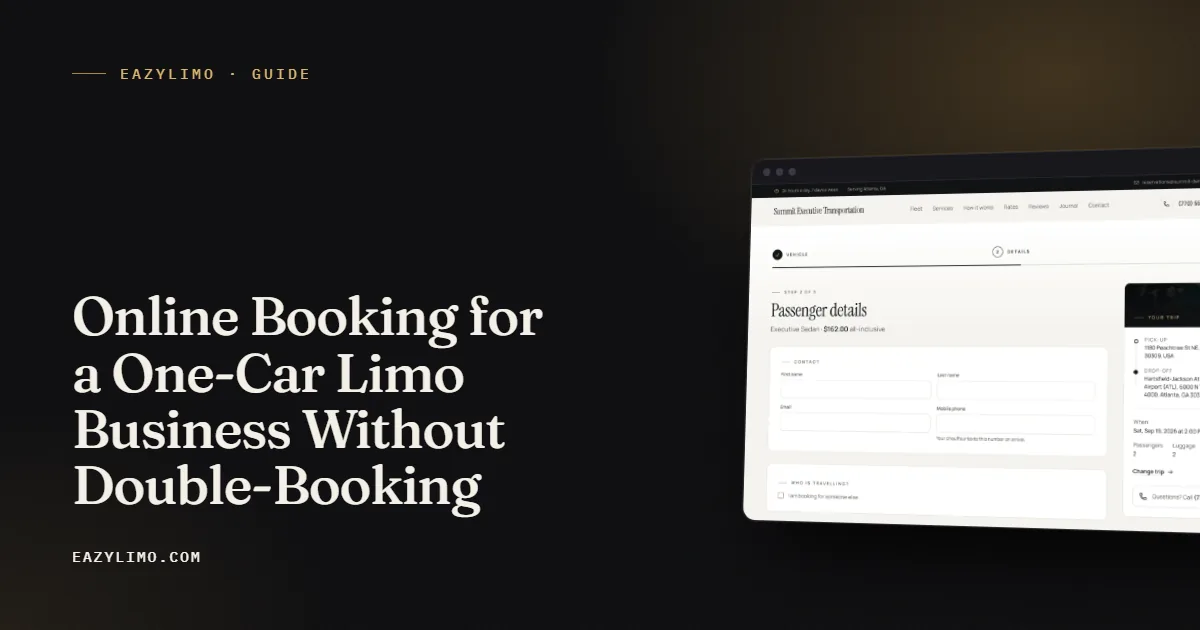
When you run a limo business with one car, you are the dispatcher, the chauffeur and the sales team. Every missed call while you are driving can be a lost booking. Online booking solves that, but it creates a fair worry: what happens when two people book the same Saturday afternoon and there is only one vehicle?
The answer is not to avoid online booking. It is to set clear rules that fit a one-car schedule and to keep a short personal check in the process. This article covers the rules, the payment choices and the details that make online bookings run smoothly for an owner-operator.
Why a one-car operator should take bookings online
A booking form works while you cannot pick up the phone. That matters most for a solo operator, because the hours you are busiest driving are often the hours new customers are searching.
- You stop losing after-hours requests. Travelers often plan airport rides late at night.
- You get complete trip details. Pickup address, time, passengers, bags and flight number arrive in one message instead of a string of texts.
- Quotes are consistent. The same trip gets the same price every time, based on your rates.
- You look established. Corporate travelers and event planners expect to book online.
- You save phone time. Fewer calls to repeat the same information means more time driving paid trips.
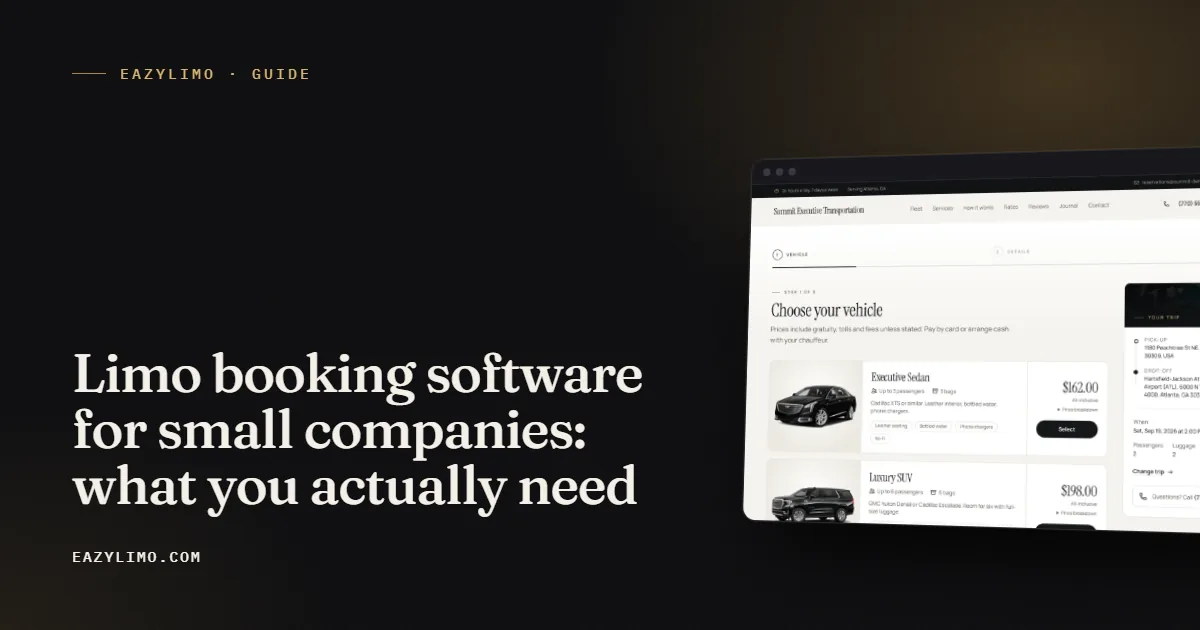
If you are still choosing a system, our guide to limo booking software for small companies covers what to look for.
Where double-booking really comes from
With one car, double-booking rarely happens because of the booking form alone. It usually comes from mixing sources. A customer books online, a regular client texts, a friend refers a wedding by phone, and the three requests end up in three different places. The fix is simple but strict:
- One calendar for everything. Every trip goes in the same booking system, whether it came from the website, a phone call or a text. If you take a phone booking, enter it as a manual booking right away.
- New bookings are requests until you confirm. Treat each online booking as pending until you have checked it against your schedule.
- Fast response. Reply within a set time, such as within an hour during working hours, so customers are not left waiting.
That short human check is what keeps a one-car schedule safe. It takes a minute per booking and saves you from the worst customer experience in this business: no car showing up.
Set lead time rules
Lead time is how far in advance a customer must book. A solo operator needs time to see the booking, check the schedule, and get to the pickup. Without a lead time rule, someone can book a ride for 20 minutes from now while you are on the highway two hours away.
Illustrative rules that many small operators start with:
- Standard rides: at least a few hours notice, or next day for early morning pickups.
- Airport pickups: by the evening before, so you can check the flight.
- Hourly bookings and events: several days ahead, since they block large parts of your day.
- Weddings and proms: weeks ahead, with a deposit to hold the date.
Put the rule on your booking page in plain words, such as "Online bookings need at least 12 hours notice. For anything sooner, please call." Customers accept limits when they can see them up front. Last-minute calls can still come to you by phone, where you can decide quickly.
Build buffer time around every trip
A buffer is the gap you keep between the end of one trip and the start of the next. It covers traffic, late passengers, flight delays, fuel stops and driving to the next pickup. With one car, the buffer is the difference between a calm day and a chain of late arrivals.
Here is an illustrative way to think about buffers. Adjust the numbers to your city and traffic.
| Trip type | Typical risk | Illustrative buffer after trip |
|---|---|---|
| Short point to point in town | Traffic, passenger running late | 30 to 45 minutes plus drive time to next pickup |
| Airport drop-off | Highway traffic, terminal congestion | 45 to 60 minutes plus drive time |
| Airport pickup | Flight delays, baggage claim, customs | 60 to 90 minutes or more for international arrivals |
| Hourly booking | Customer extends the booking | At least one hour, or block the rest of the evening |
| Wedding or event | Schedules run long | Block the whole window, avoid back-to-back trips |
A worked example: you have an airport pickup scheduled for 3:00 pm, and the drive home from the airport to the passenger's address is 40 minutes. With a 60 minute buffer for flight and baggage delays, you should not accept another pickup before about 4:40 pm plus your drive time to that next address. If a new request comes in for 4:15 pm, it is a polite decline or a farm-out to a partner.
Limit what you accept online
Not every request should be bookable instantly. A one-car operator can reduce risk by limiting what goes through the form:
- Distance limits. Set long trips to quote-only so you can review them before agreeing, since a long out-of-town trip can take your only car for most of a day.
- Minimum fares and minimum hours. Keep short trips worthwhile and stop hourly bookings that are too short to justify the drive.
- Stops. Allow a small number of stops with a fee for each one, rather than open-ended routes.
- Surcharges. Night, weekend, holiday and airport surcharges protect your hardest hours.
For airport pricing in particular, see how to price airport transfers.
Deposits, card payments or cash to the chauffeur
How you take payment affects no-shows and cash flow. A solo operator loses real money when a customer does not show, because that time slot could have been sold to someone else. There is no single right answer, but a simple approach works for many small operators:
Take card payment or a deposit when
- The trip is booked far in advance, such as a wedding or prom.
- The booking blocks several hours or a full evening.
- The customer is new and the fare is high.
- The pickup is early morning and would be hard to fill if cancelled.
Allow pay the chauffeur in cash when
- The trip is short and in town.
- The customer is a known regular.
- Your local customers strongly prefer cash.
Corporate clients often want to be billed monthly instead. That works well for repeat business, as long as you have clear terms and invoice on time. Whatever you choose, connect it to a written cancellation policy. Our limo cancellation policy template gives you a starting point.
Confirmation and flight details
A clear confirmation prevents most day-of-trip problems. Every booking should produce a confirmation the passenger can find easily, with the pickup time and address, the vehicle, the price or quote, the payment method, your phone number and the cancellation terms.
For airport trips, collect these details at booking:
- Airline and flight number.
- Scheduled arrival or departure time.
- Terminal, if the passenger knows it.
- Number of passengers and bags.
- Whether they want meet and greet inside the terminal or curbside pickup.
- A mobile number that will be switched on when they land.
Check the flight status yourself on the day. If the arrival time moves, adjust your plan and, if needed, send the passenger a short text so they know you are aware.
In EazyLimo, the booking form handles airport trips with flight details, the passenger gets a confirmation email with a private booking link, and you get a new-booking alert so you can check it against your calendar right away. You can try the booking flow on the demo site.
What to automate and what to keep personal
Automation should take away repetitive work, not the personal touch that wins repeat customers. A useful split for a one-car business:
| Automate | Keep personal |
|---|---|
| Price quotes based on your rates | Quotes for long, unusual or multi-day trips |
| Booking confirmation email to the passenger | A quick call for weddings and large events |
| New-booking alert to you | The decision to accept or decline a tight schedule |
| Payment collection at booking | Handling complaints and refunds |
| Status texts such as "chauffeur on the way" | Thank-you messages and review requests to regulars |
The use case for a solo airport chauffeur shows how this balance works day to day.
A quick setup checklist
- Put every booking source into one calendar.
- Write your lead time rule and show it on the booking page.
- Decide your buffer times by trip type.
- Set long trips to quote-only.
- Choose when you require card payment and when cash is fine.
- Publish a cancellation policy and link it at checkout.
- Collect flight details for every airport trip.
- Respond to each new booking within a set time.
Online booking with one car is about control, not volume. With clear rules and a quick check on each request, you capture more trips without risking a no-show on your side. If you want a website with booking built in that you own, EazyLimo sets it up for you: pay once (founding price $499 for the first 25 operators, then $999), or $79 a month if you prefer.